
About
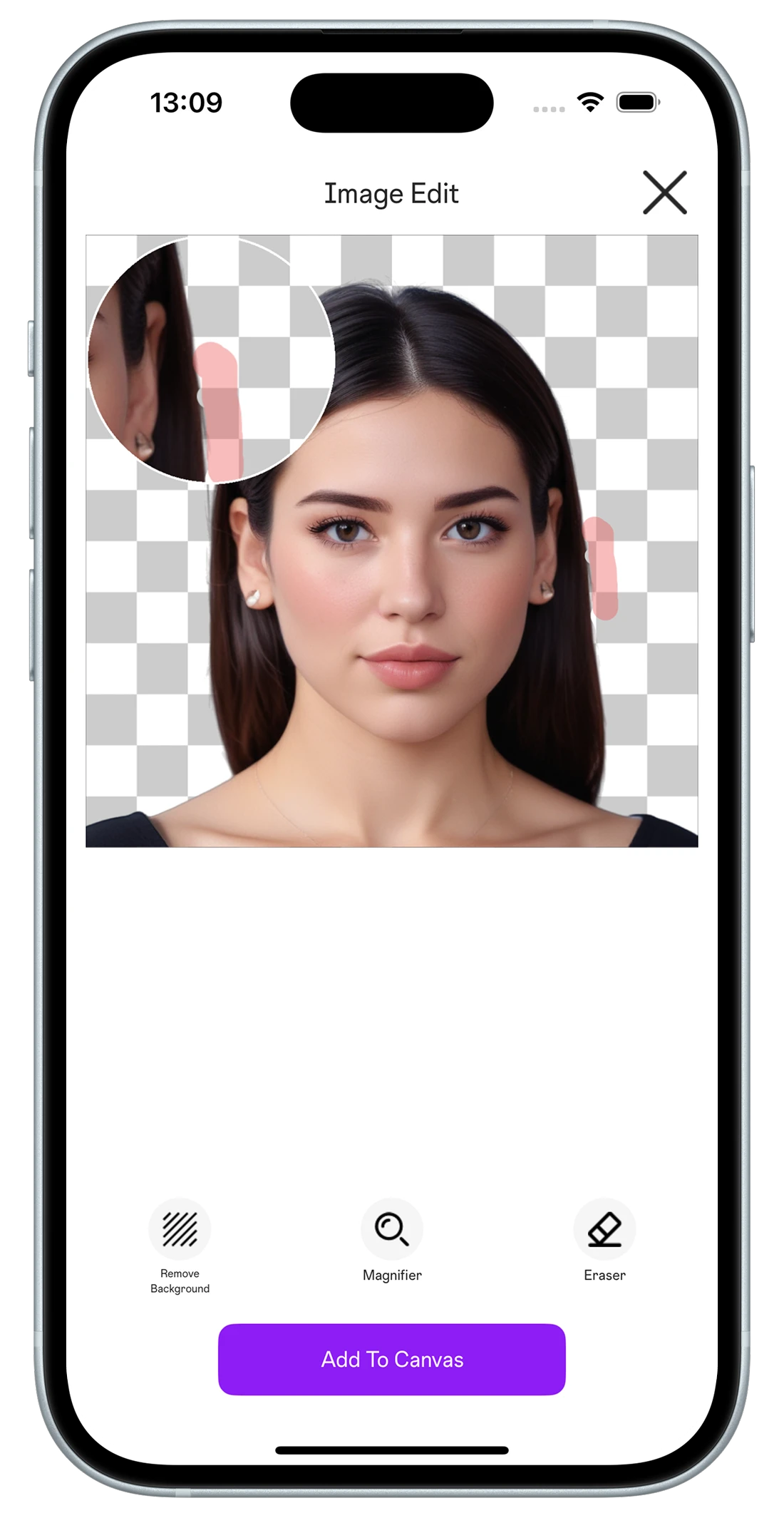
PicLoom brings AI-powered background removal and a comprehensive editing toolkit to your pocket. Instantly cut out subjects with incredible accuracy, then refine with clipping, shadowing, stroking, and precise adjustments. Everything runs on your device — no internet connection needed — so your photos stay private and your edits stay fast.
Highlights
- ✓AI-powered background removal
- ✓Clipping, shadowing, and stroke tools
- ✓On-device processing — works offline
- ✓Intuitive, easy-to-navigate interface
- ✓High-quality, professional-grade results
Frequently asked questions
What's the best app to remove photo backgrounds on my phone?+
PicLoom removes backgrounds instantly with on-device AI and high accuracy. Because everything runs on your iPhone, it works offline and keeps your photos private, then lets you refine with clipping, shadow, and stroke tools.
Is there an offline photo editor that doesn't upload my images?+
Yes — PicLoom processes everything on your device, so no internet connection is needed and your images never leave your phone. It combines AI background removal with professional editing tools.
Does PicLoom work without internet?+
Yes. PicLoom runs entirely on your device, so background removal and editing work offline and your photos stay private.
Is PicLoom free?+
PicLoom is free to download, with an optional subscription for advanced features billed through your Apple ID and cancelable anytime.
Get PicLoom today
Available on the App Store. Read our Privacy Policy and Terms of Use.